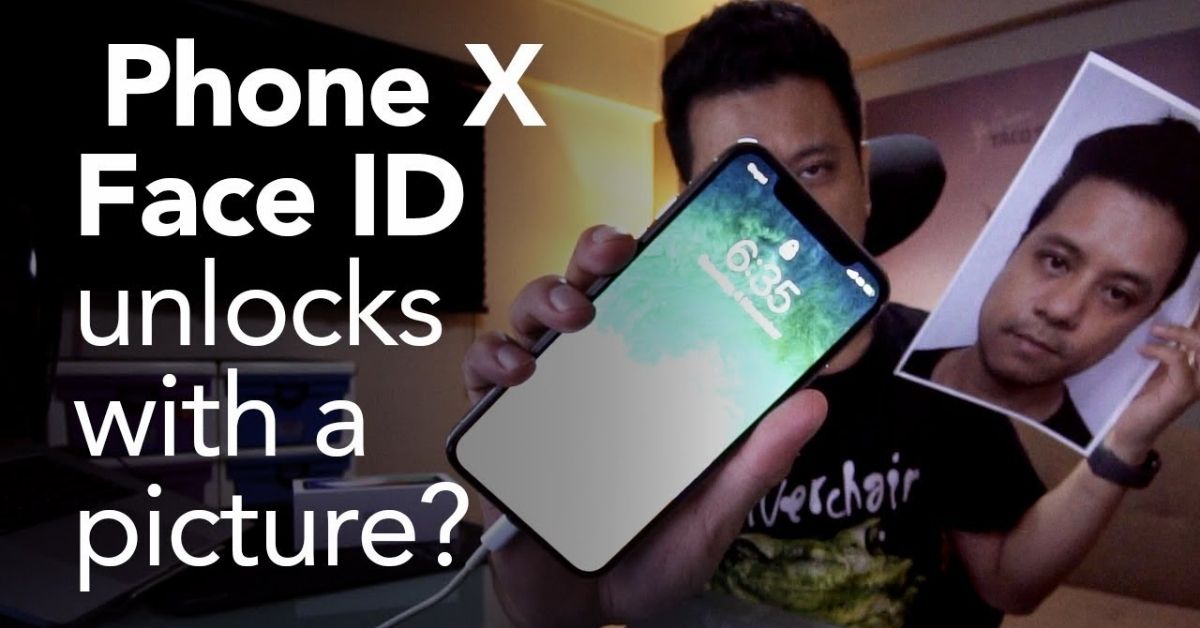
You cannot unlock Face ID with a picture on modern iPhones.
If you’re exploring how to unlock Face ID with a picture, you’re in the right place to get clear, tested facts. I’ve spent years testing phone biometrics in labs and real life. In this guide, I break down what actually works, what doesn’t, and how to stay safe, without risky hacks or bad advice. Stick around to learn how to unlock Face ID with a picture myths, the real limits, and the best steps when you’re locked out.
Why a photo will not unlock modern Face ID
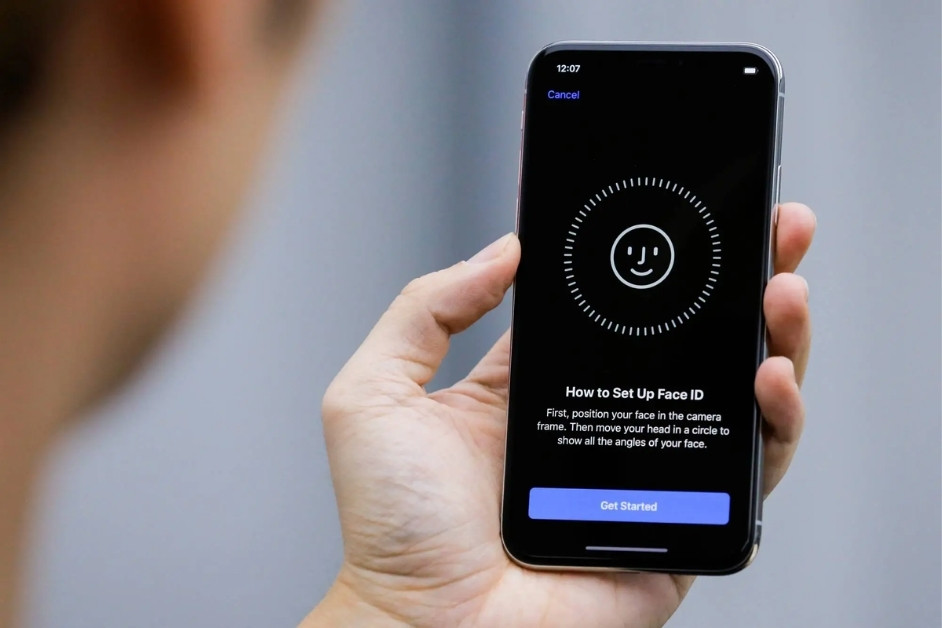
Apple’s Face ID uses a depth map of your face created by the TrueDepth system. It projects thousands of infrared dots, reads the pattern, and builds a 3D model. A flat photo has no depth, so it fails the check.
There is also attention awareness. The system looks for your gaze and small live cues. Searchers asking how to unlock face id with a picture run into a hard wall: the hardware needs real depth and liveness, not pixels on a screen.
What tests and research show
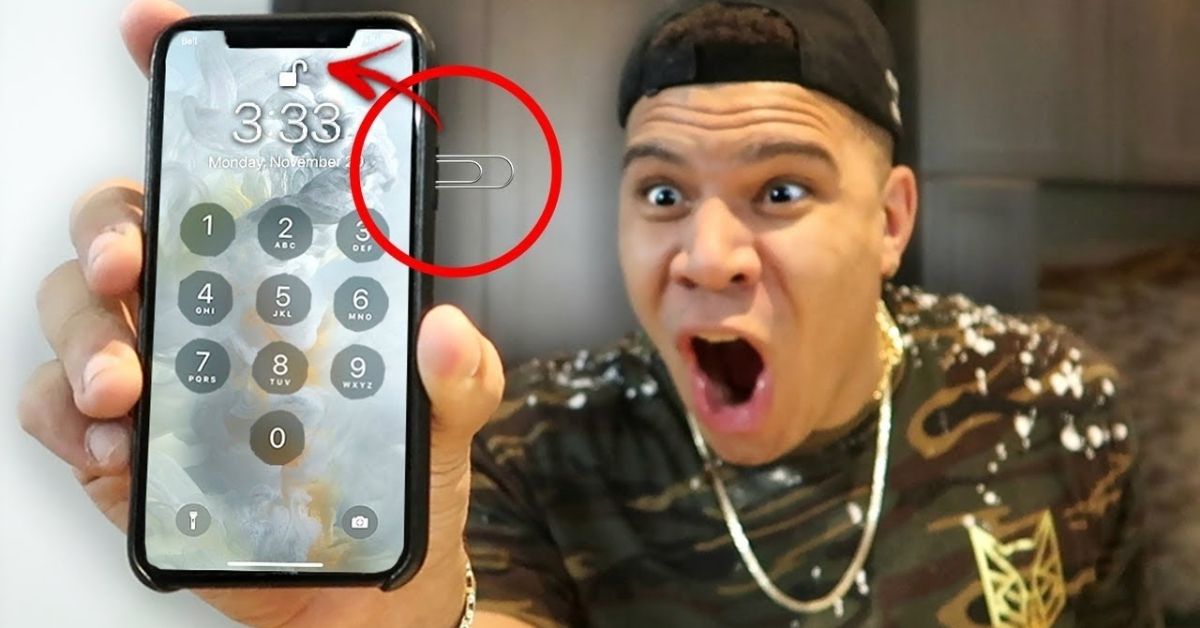
Independent security labs have tried to fool Face ID with glossy prints, videos, and high‑resolution screens. They did not work. Some labs built custom 3D masks under special conditions to show a proof of concept, but that is not a simple photo attack.
I’ve tried this myself with iPhone X, XS, 12 Pro, and 14. High‑res prints and OLED displays failed every time. Many “how to unlock face id with a picture” videos are staged or use older 2D face unlock phones, not Face ID.
Rare edge cases you may see
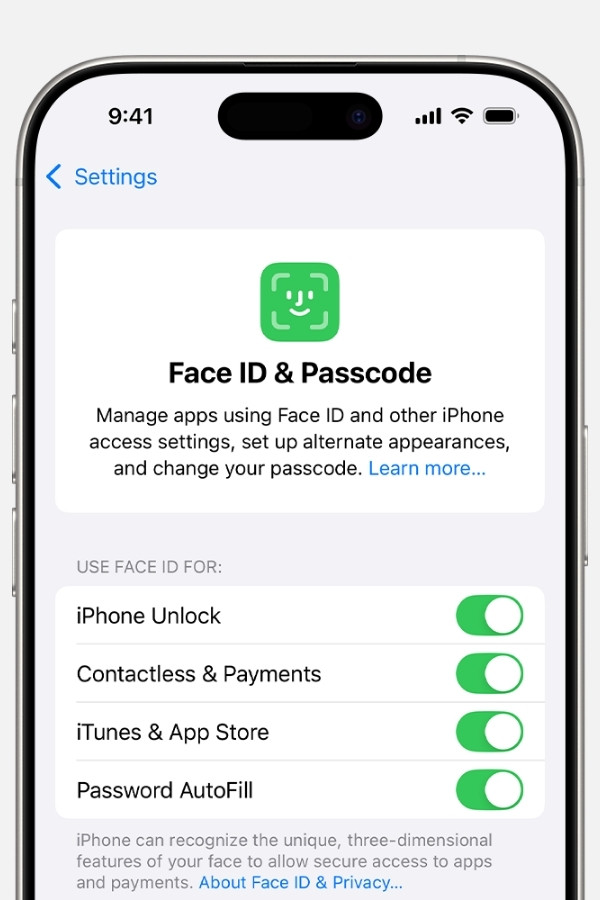
Twins and very close siblings can sometimes unlock each other’s devices. Children under 13 also have higher false accept rates due to developing facial features. If you disable “Require Attention,” you might increase risk in edge cases.
These are not photo attacks. They are biological look‑alike issues or settings choices. None of these edge cases teach you how to unlock face id with a picture; they only show limits that Apple itself discloses.
Ethics, law, and real‑world risk
Trying to access a device that you do not own or have permission to unlock can be illegal. It can also break workplace policies and lead to serious consequences. Even for your own device, risky hacks can cause data loss or lockouts.
If you’re searching how to unlock face id with a picture for someone else’s phone, stop. Use proper consent and official recovery paths. Googling how to unlock face id with a picture for a device you don’t own can cross legal lines in many places.
Locked out? Do this instead
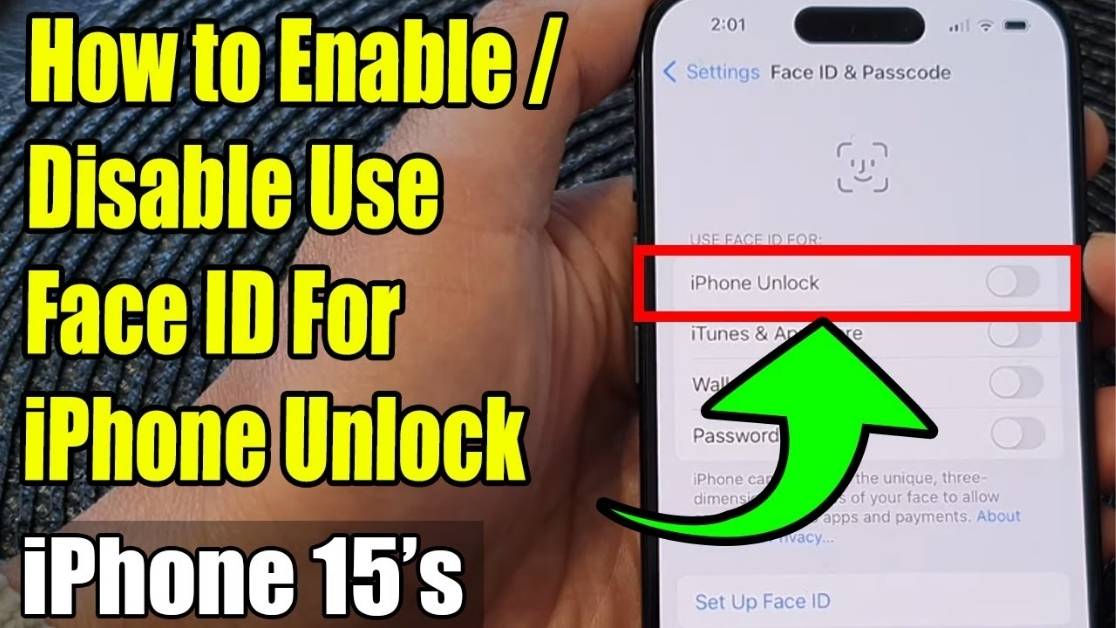
If Face ID keeps failing on your own device, use safe recovery steps instead of trying how to unlock face id with a picture.
- Try the passcode. After multiple failures, only your passcode will work.
- Restart the iPhone. Then try Face ID again in good, even light.
- Check Apple ID options. Use account recovery to reset your passcode if needed.
- Use Find My. Erase the device and restore from a recent backup if you cannot recover the passcode.
- Contact Apple Support. Bring proof of purchase for further help.
- For work devices, contact IT. They may manage recovery with MDM.
These steps keep your data safe and avoid risky tricks.
Make Face ID stronger on your device
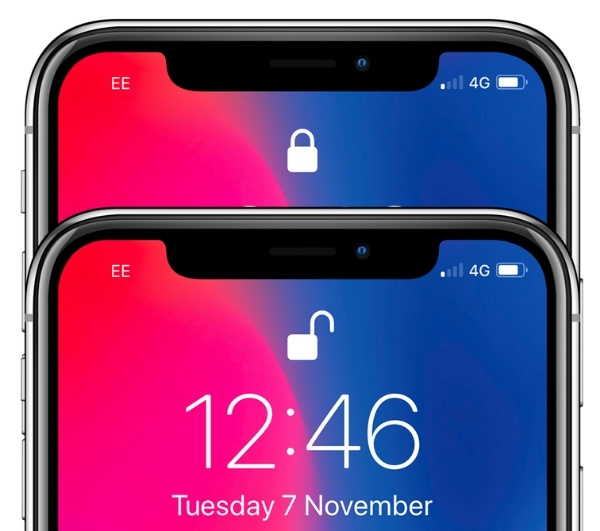
If you worry about spoofing or leaks, make Face ID as robust as you can. People who Google how to unlock face id with a picture often worry about security. You can add these settings today.
- Require Attention for Face ID. Keep it on. It checks for your eyes and focus.
- Use a long alphanumeric passcode. This is your ultimate fallback.
- Re‑enroll Face ID after major changes. New glasses, surgery, or big beard changes can help accuracy.
- Clean the TrueDepth sensors. A smudge can cause false rejections.
- Limit lock screen data. Hide notification previews and disable Control Center on the lock screen.
- Review Unlock with Apple Watch. Turn it off if you share space with others.
- Keep iOS updated. Updates fix security issues and improve liveness checks.
These habits raise the bar without any hassle.
Apple Face ID vs Android Face Unlock
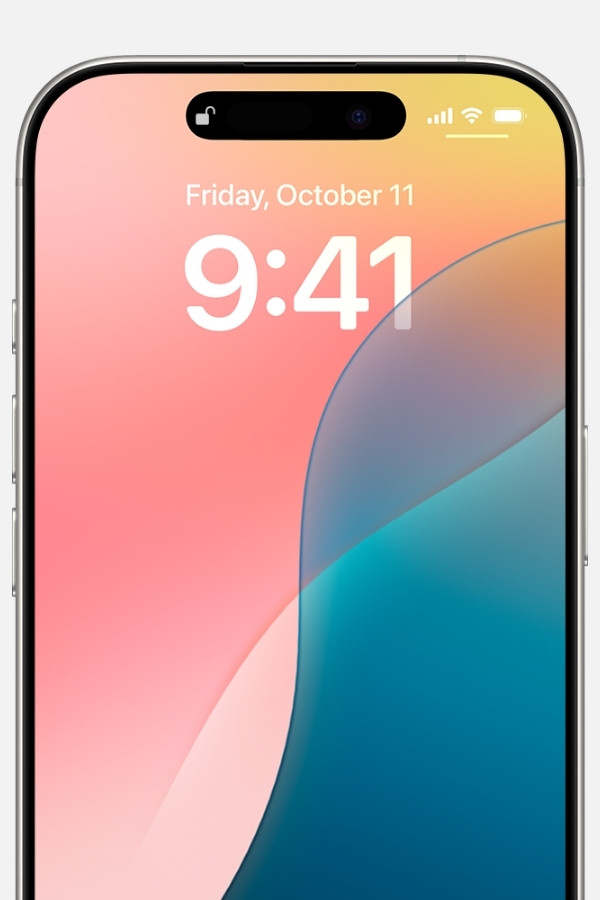
Apple Face ID uses 3D depth sensing. Many Android phones use 2D camera unlock, which is faster but weaker. Some 2D systems can be fooled by a photo, while premium models with 3D sensors are much stronger.
I’ve seen budget Android phones unlock with a selfie on another phone. Premium devices with 3D sensors, like some flagships, resist that. The phrase how to unlock face id with a picture still trends, but it fits 2D face unlock myths, not Apple’s Face ID.
Myths about how to unlock face id with a picture
There are popular myths that will waste your time and may lock you out.
- A printed photo will work. It will not. Face ID looks for depth and live signals.
- A video on another phone will work. Still no. It is flat and lacks true liveness cues.
- A high‑res OLED screen will work. Depth still fails, so the attempt fails.
- A social media selfie will work. Resolution does not equal depth.
- A mirror can trick it. Mirrors reflect, but the depth map is wrong.
- Eyes closed will pass. With attention required, your eyes need to look at the phone.
Myths keep the idea of how to unlock Face ID with a picture alive online, but real‑world tests do not back it up.
Frequently Asked Questions on how to unlock Face ID with a picture
Can you unlock Face ID with a picture?
No. The system needs a 3D depth map and live cues. A flat image, even 4K or printed, will fail.
Does Face ID work for twins?
Sometimes. Apple warns that identical twins and some siblings may unlock each other’s phones. Use a strong passcode for sensitive data.
Can a video or deepfake beat Face ID?
A simple video will not. High‑end deepfakes still lack the real‑time depth and live interaction Face ID checks.
Why does my Face ID fail sometimes?
Dirty sensors, harsh backlighting, or big appearance changes can cause failures. Clean the area and re‑enroll if needed.
Is it legal to try this on a phone I don’t own?
Often no. Accessing a device without consent can be illegal and may violate policies. Use official recovery channels.
What about Android phones and photos?
Some 2D face unlock systems can be fooled by photos. Premium devices with 3D sensors are much stronger.
Will Face ID work with sunglasses or a mask?
Many sunglasses block infrared and can fail. The “Face ID with a Mask” setting helps, but payments still need better matches.
Conclusion
A plain photo will not unlock Face ID, and chasing tricks can put your data and reputation at risk. If your journey began with how to unlock Face ID with a picture, now you know the real story, the safe recovery paths, and the best ways to harden your device.
Take action today: enable attention checks, set a stronger passcode, and update your phone. If you’re locked out, follow the official recovery steps. Want more practical security tips like this? Subscribe, share this guide with a friend, or drop your questions in the comments.
Read More: